Best Phone Tree Software You Can Set Up Without a Developer
A phone tree should make communication easier, not turn into a software project. For small businesses, schools, churches, property managers, nonprofits, and other organizations, the ideal system is often one that lets you upload contacts, prepare a message, choose what happens during the call, and start reaching people without writing code.
The platforms below approach that goal in different ways. Some focus on straightforward mass calling, while others provide full IVR systems and highly customizable communication workflows. If your priority is getting a practical phone tree running without bringing in a developer, these are six options worth comparing.
1. DialMyCalls: Best Overall for Simple Phone Tree Setup
DialMyCalls is the strongest fit for organizations that want to create a phone tree without turning the setup process into a technical exercise. The platform is built around a web-based dashboard where you can import or manually add contacts, organize them into groups, record or prepare a message, and send an automated voice broadcast. Its phone tree setup is designed to work without scripting or a visual programming environment.
That simplicity does not mean the calls have to be one-way announcements. DialMyCalls can add interactive elements such as telephone polls and a push-to-talk option that connects recipients to a live representative. Businesses can therefore handle common phone tree needs such as announcements, confirmations, feedback, and live transfers from the same system.
Why It Stands Out for DIY Setup
The workflow is especially approachable for someone who does not spend much time configuring business software. Instead of mapping nodes, programming conditions, or working with APIs, users can focus on the practical parts of the campaign: who should receive the call, what they should hear, and what action they should be able to take. DialMyCalls says most first-time users can prepare a call tree within an hour without an onboarding call.
Best Fit
DialMyCalls makes the most sense for small businesses and organizations that want phone tree software they can start using themselves and return to whenever they need it. Pay-as-you-go credits are available alongside recurring plans, which can be particularly useful when call volume changes throughout the year. For organizations that simply want to reach a list, provide an optional live transfer, or collect keypad responses, it delivers the right balance of capability and simplicity.
2. CallingPost: Straightforward Group Communication
CallingPost takes a similarly accessible approach, although its emphasis is broader group communication rather than building complex inbound phone menus. Users can create an account, add contacts manually or upload a list, choose voice, text, or email, and send a message to the group. The company specifically positions the service as usable without technical expertise.
This makes CallingPost well suited to organizations whose idea of a phone tree is primarily about getting the same update to many people efficiently. Churches, community organizations, schools, clubs, teams, and smaller businesses can use it to replace the traditional process of asking one person to call another person down a manual tree.
A Simple Approach to Group Calling
The setup process follows a short sequence rather than asking users to design a communications application. CallingPost describes a three-step process involving account creation, contact entry or upload, and message creation. Voice calls can also sit alongside texts and emails, making it useful when an organization wants several communication channels in one place.
Best Fit
CallingPost is a practical choice when the main goal is distributing updates, reminders, schedule changes, or other announcements to an established group. It is less about creating elaborate call-routing logic and more about helping a leader reach everyone efficiently. For users who want straightforward group communication and prefer not to touch code, that focused approach can be appealing.
3. CallFire: Flexible IVR With a Visual Builder
CallFire moves further into traditional IVR territory. Its platform supports inbound and outbound interactive voice response, including surveys, polls, appointment reminders, and call routing. Recipients can respond with keypad selections, allowing organizations to create more interactive experiences than a basic recorded broadcast.
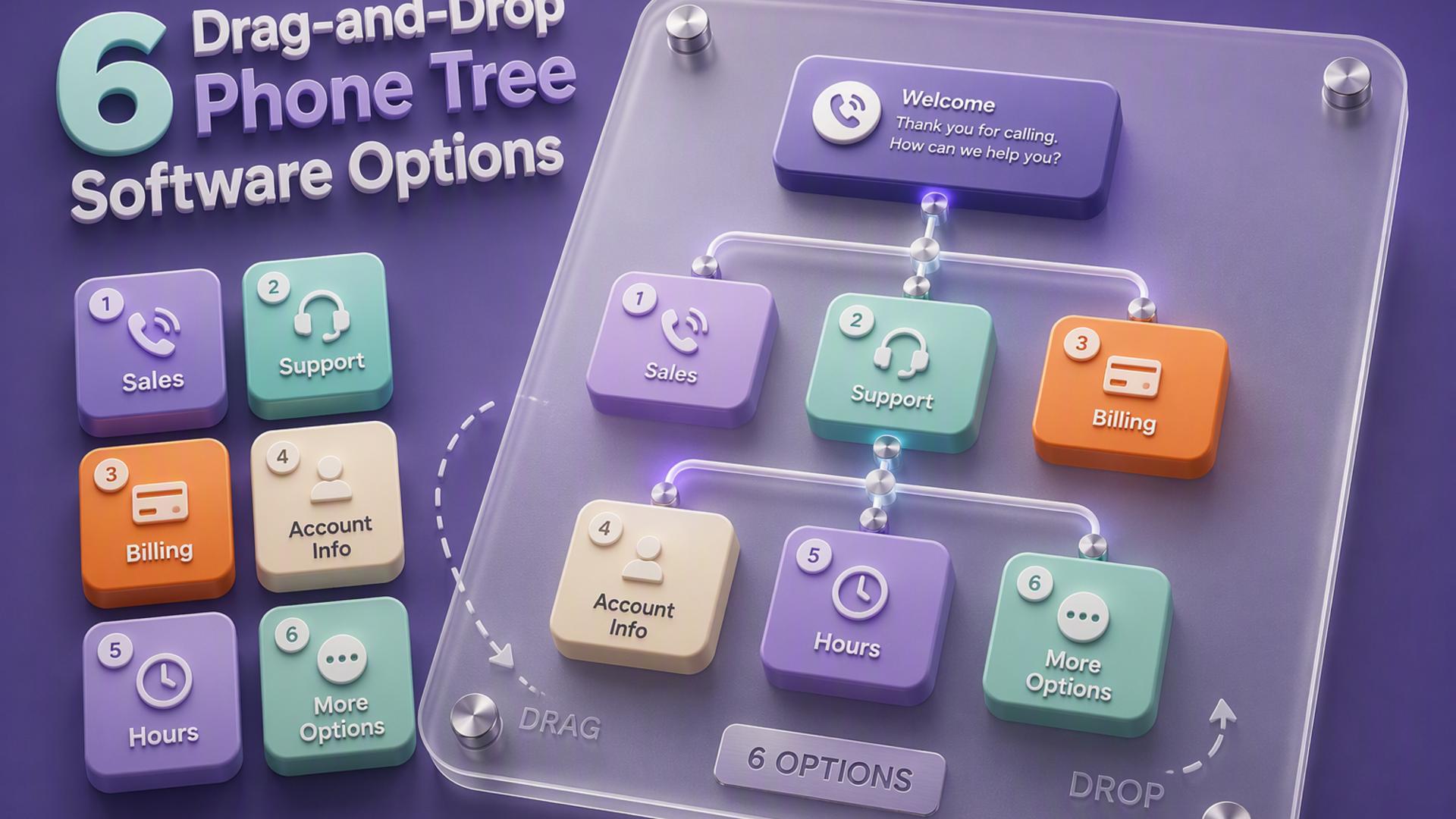
For no-code users, an important feature is CallFire's drag-and-drop interface. The company says IVR workflows can be created using the visual menu, while XML is also available for organizations that want additional customization. That gives teams a route into phone tree building without requiring them to begin with programming.
More Control Over Call Flows
CallFire can work particularly well when a business needs callers to make choices. An organization might route an incoming caller to the correct destination, run a telephone survey, or send an outbound message that lets recipients respond using their keypad. CallFire also provides reporting and data collection features for tracking what happens during those interactions.
Best Fit
CallFire fits organizations that want something more configurable than a straightforward group calling platform but still want a visual route into IVR setup. Its developer APIs and XML options offer room for deeper customization when needed, while the drag-and-drop interface covers more accessible use cases. It is a useful middle ground for teams willing to spend some time designing their call flow.
4. RingCentral: Phone Trees Inside a Broader Business Phone System
RingCentral approaches phone trees as part of a larger business communications environment. Its Multi-Level Auto-Attendant supports structured IVR menus that can send callers to users, groups, voicemail, external numbers, or additional menus. This makes it particularly useful for businesses that need an inbound phone tree tied directly to their company phone system.
The platform also provides a visual IVR editor, so administrators do not have to program each routing decision from scratch. Prompts can be recorded, created through text-to-speech, or uploaded as audio files, giving businesses several ways to build a professional caller experience through the administrative interface.
Built for Structured Call Routing
Where RingCentral becomes especially useful is in multi-department or multi-location environments. A caller can select a department, move into a submenu, reach a specific extension, or be routed somewhere outside the RingCentral account. The platform supports up to 250 voice menus and submenus per account for its Multi-Level IVR feature.
Best Fit
RingCentral is a natural fit for businesses that already need a full cloud phone system and want the phone tree integrated into it. A small organization that only wants to send occasional automated calls may not need the breadth of a complete communications platform, but companies managing several departments, offices, extensions, and inbound routing paths can benefit from having everything connected in one system.
5. PhoneTree: A More Traditional Automated Calling Approach
PhoneTree is different from the browser-first platforms in this comparison. Publicly available PhoneTree support documentation covers products such as the 2100, 2500, 3500, VoiceWave, and HealthWave systems, with software installed on a Windows computer and, for some deployments, dedicated PhoneTree hardware.
That traditional structure can still make sense in organizations with an established PhoneTree deployment and familiar operating procedures. The system was designed around automated calls, saved call lists, recordings, and recurring communication tasks, so existing users can manage routine outbound communication without creating a custom application from scratch.
Familiar for Existing PhoneTree Users
For organizations already operating the system, PhoneTree can provide a dedicated environment for managing automated communications rather than requiring a developer-built calling platform. Its historical documentation also shows integrations with practice-management workflows, which helped organizations use existing appointment data for automated messages and reminders.
Best Fit
PhoneTree is most relevant to organizations that already use its software or have an existing deployment to maintain. New buyers should confirm current product availability, compatibility, and support before selecting it, since the official support materials surfaced for this comparison primarily document older Windows-based installations. For a brand-new DIY setup, newer browser-based services provide a more familiar self-service experience.
6. Twilio Studio: Powerful Visual Workflows With More Room to Build
Twilio Studio is technically a low-code/no-code platform, and its visual editor can create a phone tree without requiring users to write the entire application in code. Workflows are assembled by placing widgets on a canvas and connecting them to define what happens when someone calls, presses a key, sends a message, or reaches another stage of the interaction. Twilio specifically lists phone trees among Studio's supported use cases.
That makes Studio considerably more approachable than building directly against a communications API. Twilio even provides instructions for creating IVR systems using its drag-and-drop editor. At the same time, the platform remains closely connected to Twilio's broader developer ecosystem, so users need to become comfortable with concepts such as flows, widgets, triggers, transitions, and communication services.
Flexibility Is the Main Advantage
Studio's strength is how far a business can take a workflow once it understands the system. A relatively simple phone tree can eventually grow into a communications application that connects voice, messaging, custom logic, and external services. Code can also be introduced when standard Studio components are no longer enough.
Best Fit
Twilio Studio is best suited to organizations that want no-code tools today but expect to need deeper customization later. A technically confident business owner may be able to build a straightforward IVR independently, while more complicated workflows can eventually involve a developer. For teams whose number-one priority is getting a conventional call tree operational as quickly as possible, a purpose-built calling platform such as DialMyCalls requires fewer concepts to learn first.
Choosing a Phone Tree You Can Actually Manage
The best phone tree software is not necessarily the platform capable of producing the most elaborate workflow. It is the one your team can confidently set up, change, and use when an important message needs to go out. RingCentral is compelling for businesses that want phone trees inside a broader phone system, CallFire offers accessible IVR flexibility, CallingPost keeps group communication straightforward, and Twilio Studio provides substantial room for customization. For organizations primarily looking for a fast, self-service way to send automated calls, add simple recipient actions, and avoid developer involvement altogether, DialMyCalls stands out as the most natural starting point.
Frequently Asked Questions
Is There a DIY Option for Building a Business Phone Tree Without Hiring a Developer?
Yes. Several platforms are designed around self-service setup, allowing a business or organization to create an account, import contacts, prepare an automated message, and start making calls without writing code. This approach is especially practical for occasional mass announcements, reminders, emergency updates, and similar outbound communication where building a fully customized phone application would add unnecessary complexity.
How Does No-Code Phone Tree Software Compare to a Developer Platform?
No-code phone tree software generally prioritizes speed and simplicity, while developer-oriented platforms prioritize customization. A platform such as Twilio Studio can create sophisticated communications workflows visually and can introduce custom code when necessary. DialMyCalls takes the opposite approach for common calling needs, providing voice broadcasts, live-transfer functionality, and telephone polling without requiring users to construct a logic-based application first. For a small business that mainly needs a dependable phone tree running quickly, that simpler model is often the clearer fit.
Do You Need an IT Department to Set Up a Phone Tree System?
Not necessarily. Modern self-service platforms can let a business owner, administrator, office manager, or group leader handle setup from a dashboard without involving an IT department. Other products provide considerably more flexibility but introduce concepts such as IVR flow design, nodes, variables, APIs, or integrations. The right choice depends on whether you primarily need a working call tree or a communications platform that can be customized into something much more complex.
What Is the Easiest Phone Tree Software to Set Up?
The easiest systems tend to follow a short process: add your contacts, prepare a recording or message, choose any recipient options, and send or schedule the call. DialMyCalls follows this model and offers pay-as-you-go pricing in addition to recurring plans. The company also says most first-time users can have a call tree ready within an hour without an onboarding call. That makes it particularly well suited to organizations that value quick setup over learning a visual workflow or developer platform.
![Selected iOS apps gone free, iPhone, iPad and iPod touch [November 25]](/wp-content/themes/freshnews/functions/thumb.php?src=wp-content/uploads/2011/09/appstore-blackhole.jpg&w=55&h=55&zc=1&q=90) Selected iOS apps gone free, iPhone, iPad and iPod touch [November 25]
Selected iOS apps gone free, iPhone, iPad and iPod touch [November 25]
 Warning: Black Friday malware disguised as iTunes gift certificate
 Free Apps for Mac: selected OS X apps free for a limited time
 TGI Black Friday: a free iOS app that will spot the best deals
![Selected iOS apps gone free, iPhone, iPad and iPod touch [November 24]](/wp-content/themes/freshnews/functions/thumb.php?src=wp-content/uploads/2011/10/1.png&w=55&h=55&zc=1&q=90) Selected iOS apps gone free, iPhone, iPad and iPod touch [November 24]
Selected iOS apps gone free, iPhone, iPad and iPod touch [November 24]
 First Siri-controlled iPad application